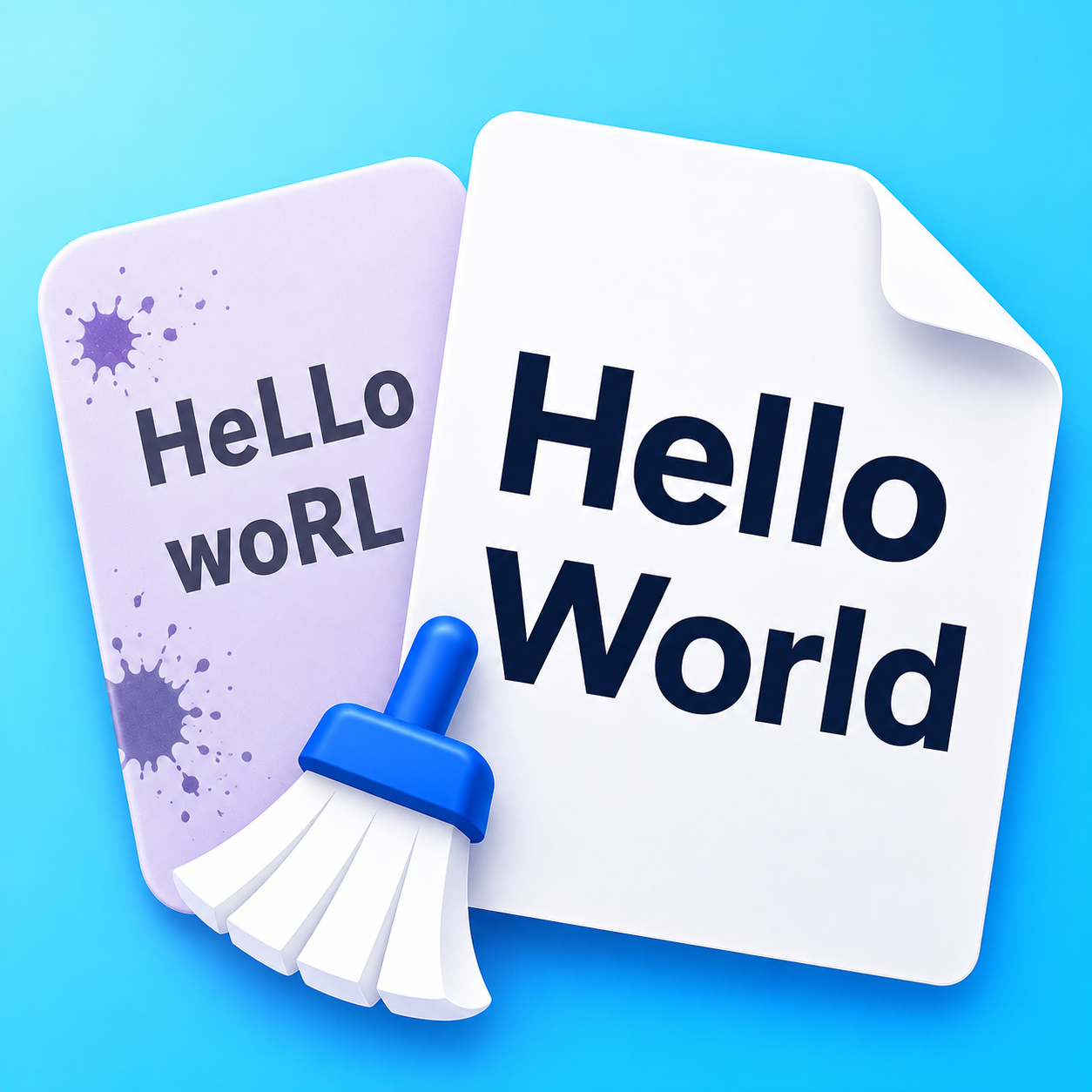
What is Pasted Text Damage?
When you copy text from modern word processors (like Microsoft Word or Google Docs), PDFs, chat tools, or generative AI assistants, the text arrives with invisible formatting artifacts:
- Invisible Zero-Width Characters: Zero-width spaces (
\u200B), byte-order marks (\uFEFF), and soft hyphens (\u00AD) that silently break string equality, code compilation, database searches, and git diffs. - Typographic Smart Quotes: Curly quotes (
“ ” ‘ ’ „ ‚) that cause syntax errors in terminal scripts, JSON files, SQL queries, and configuration files. - Em and En Dashes: Punctuation marks (
— – ‒ ―) that interfere with command-line flags and hyphenated identifiers. - Trailing Whitespace & Strange Line Breaks: Ghost spaces and tabs at the ends of lines, plus runs of excessive blank lines.
How the 1-Tap Paste Repair Works
Text Cleaner's Clean pasted text engine executes a safe, deterministic 5-step normalization sequence:
- Strips zero-width characters outright while normalizing exotic Unicode spaces (such as non-breaking
\u00A0or thin spaces) to standard ASCII spaces. - Converts smart quotes to standard straight double (
") and single (') quotes. - Converts em and en dashes into standard hyphens (
-). - Trims trailing whitespace from every line without touching intentional line starts.
- Collapses runs of 3 or more blank lines down to clean double newlines (paragraphs).
100% Client-Side & Private
Unlike other web utilities that upload your clipboard content to remote servers, Text Cleaner processes everything directly on your device using client-side JavaScript. Nothing leaves your browser.